VirusTotal scanning
Qubix regularly checks your domains in VirusTotal — a service that runs a domain through dozens of antivirus databases. If some database flags a domain as malicious, you find out right away and have time to replace the domain before it harms your campaign.
How it works
The background check walks through the domains about once a day. For each domain it requests the current verdict from VirusTotal and records the result in the history.
When a domain is flagged malicious for the first time, Qubix sends a notification to Telegram — personally to the domain owner and the team. When the domain "recovers" (the detections disappear), a recovery notification arrives. There will be no repeated messages while the verdict stays the same — an alert is sent only at the moment the state changes.
The «Infected» badge
If threats are found on a domain, a red 🚨 infected badge appears next to its name — both in the domain list and in the header of the domain card. The badge leads directly to the VirusTotal report for that domain.
The badge is removed automatically: as soon as the next check shows the domain is clean, the badge disappears.
The 🚨 infected badge is a signal to replace the domain. Facebook and antivirus engines block an infected domain, and traffic through it is lost.
Check history
The full history of antivirus checks for a domain is available on the VirusTotal Logs tab in the domain card. For each check it shows:
- The Date of the check.
- Detections — how many databases flagged the domain. 🚨 with a number if there are threats, or — clean if the domain is clean.
- An open ↗ link to the VirusTotal report.
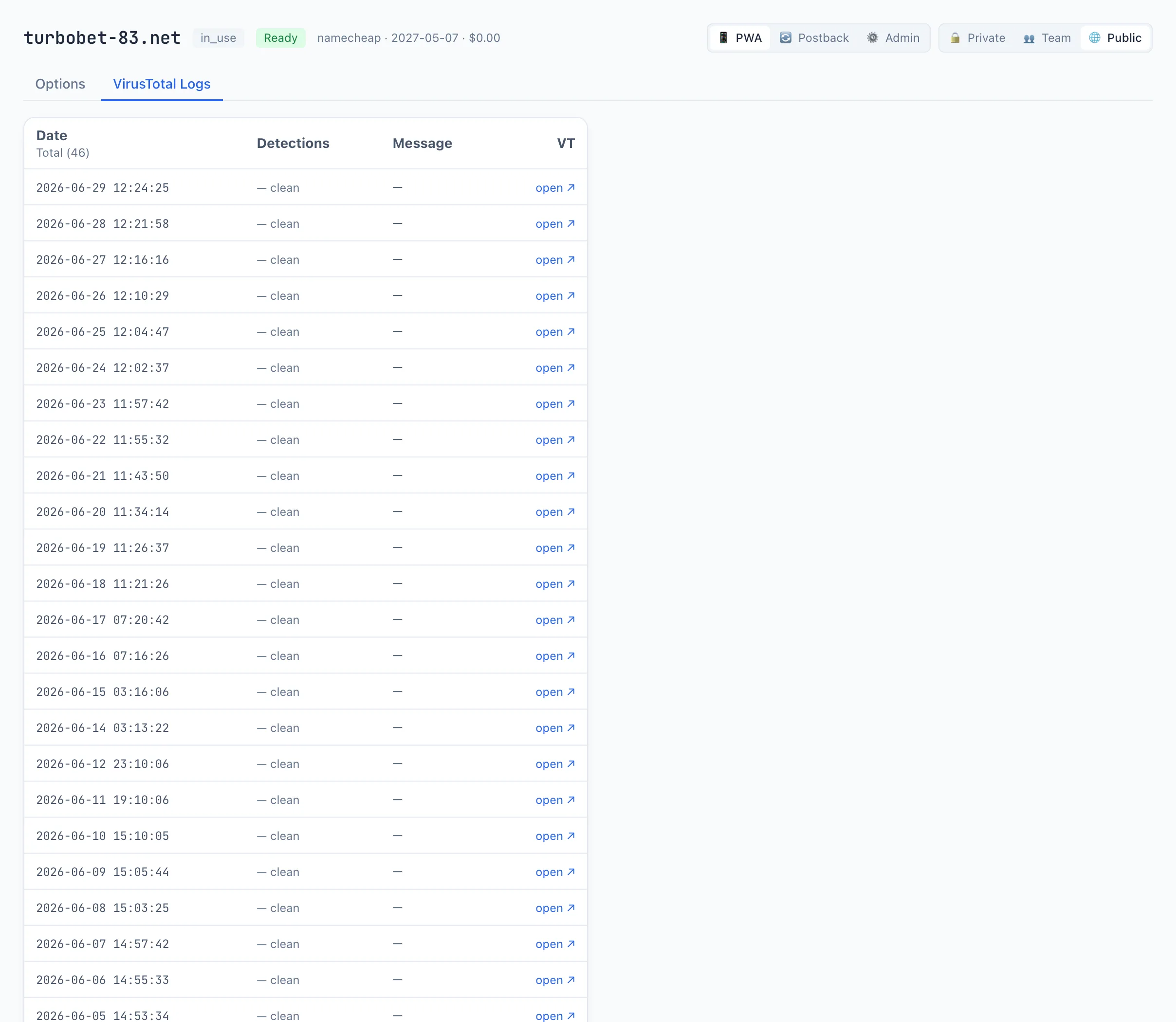
If the domain has never been scanned yet, the tab will be empty — wait for the next check.
Where to get a VirusTotal key
For the checks to work, you need a VirusTotal API key. It is entered once in the Connections section on the VirusTotal tab. See Connections for details.