Deposits
The Deposits tab in the Events section shows deposits for the selected period — the final funnel stage. Besides the payout amount, it shows how long the funnel took to complete: from click to registration, from registration to deposit, and from click to deposit.
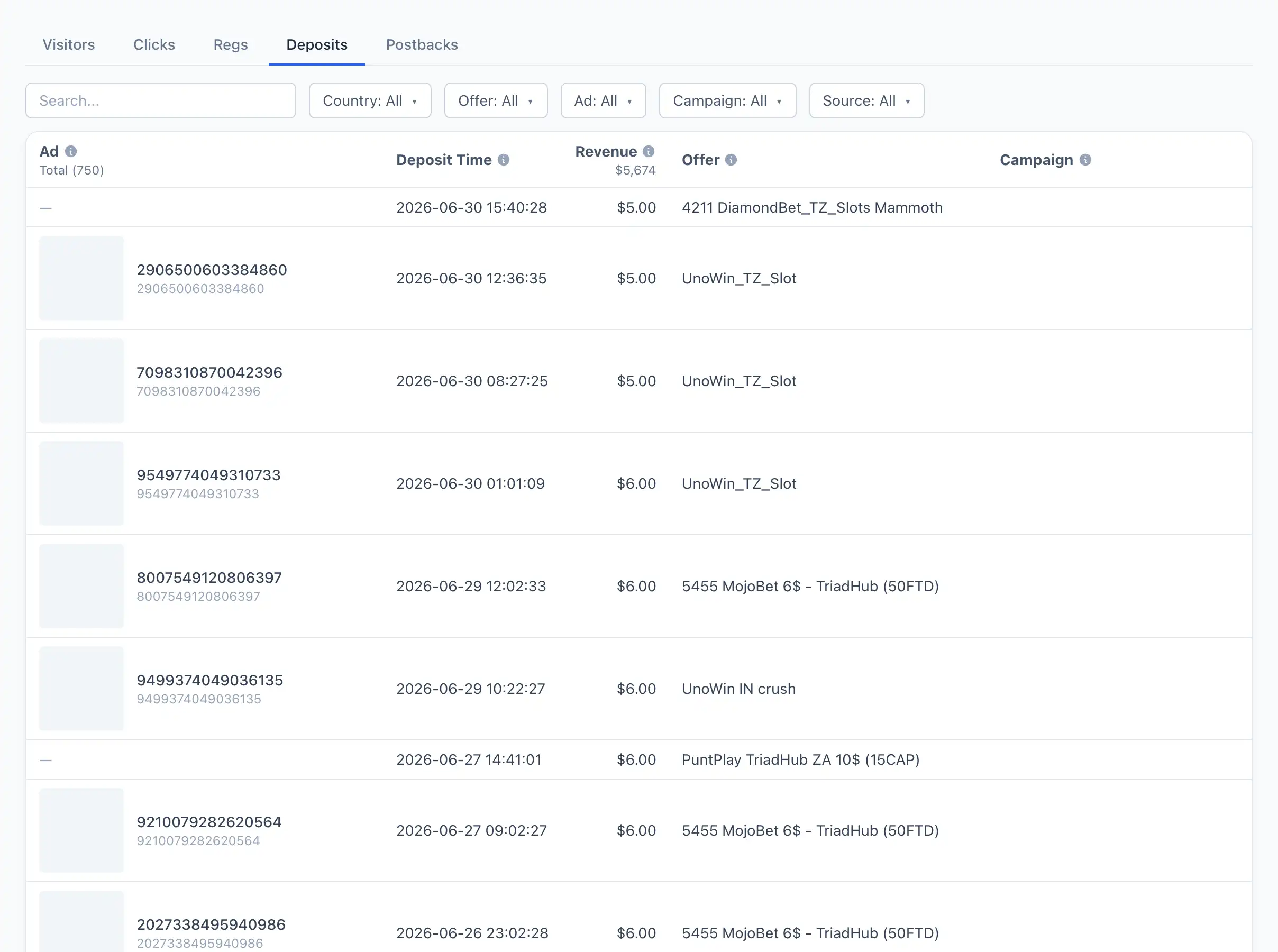
Columns
- Ad — the ad that drove the deposit.
- Deposit Time — the moment of the deposit.
- Revenue — the payout amount for the deposit.
- Offer — the offer.
- Campaign — the ad campaign.
- Visitor country — the geo (flag).
- Click — the click time.
- Reg — the registration time.
- Click→Reg — how long it took from click to registration.
- Reg→Dep — how long it took from registration to deposit.
- Click→Dep — how long it took from click to deposit.
- Visitor — the visitor identifier. If the deposit is linked to a PWA visitor, it opens the visitor card.
- Source — the traffic source.
Funnel timings
Three columns show how fast the funnel completes. Time is shown in minutes or in hours and minutes (for example, 2h 15m):
- Click→Reg — time from the ad click to registration.
- Reg→Dep — time from registration to the first deposit.
- Click→Dep — total time from click to deposit.
Tip
Timings help you gauge how «hot» the traffic is: a short Click→Dep signals fast warm-up, while a long one means deposits arrive with a delay and it's important not to turn off the bundle too early.
Search and filters
Search works by visitor identifier. The available filters are: Visitor country, Offer, Ad, Campaign.