Events and funnel
The Events section shows the acquisition funnel by stage — from a visitor's first touch to a deposit. These are raw per-user events, not aggregates: you can see who arrived, clicked, registered, and deposited.
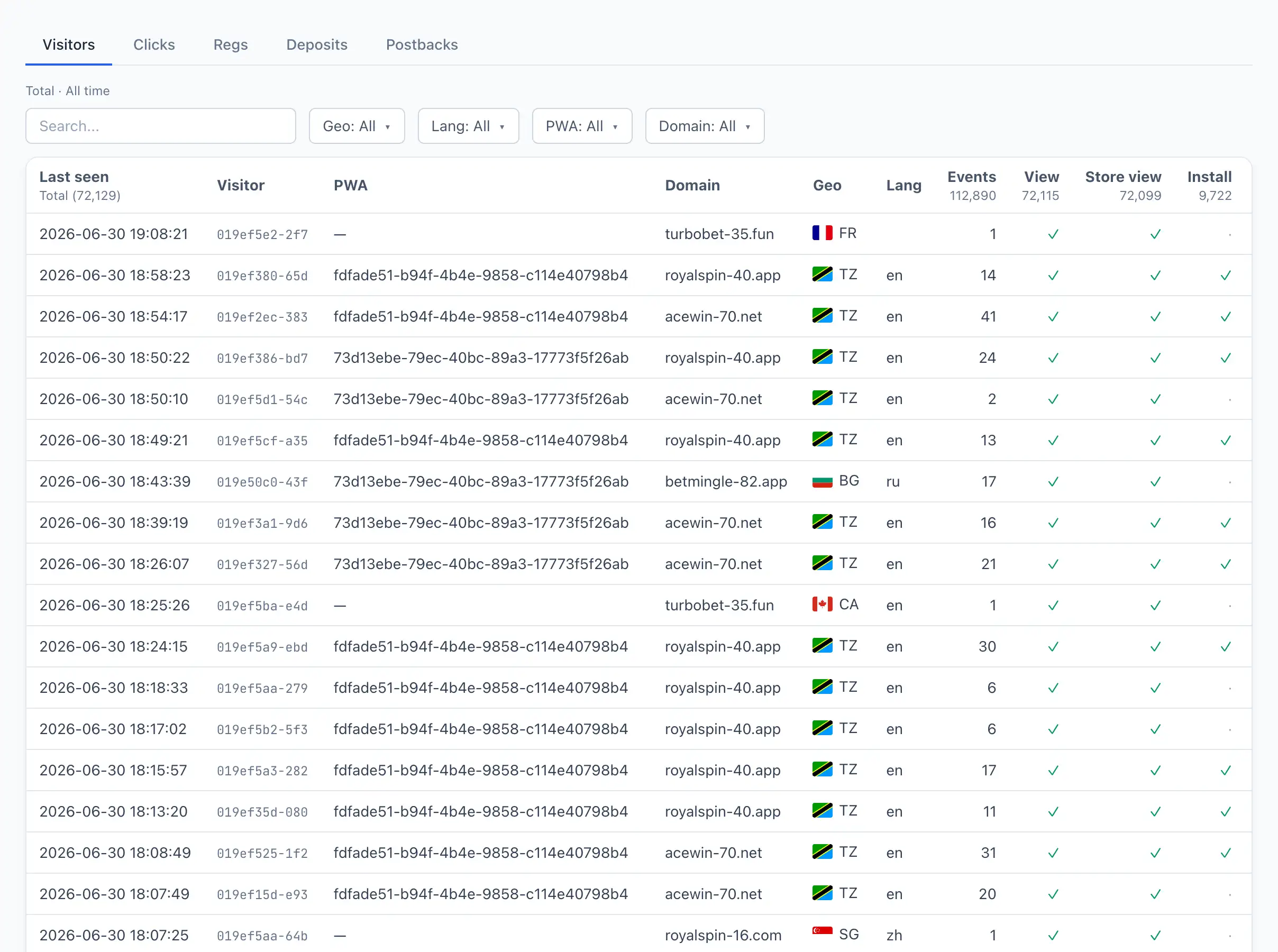
Funnel tabs
The section is split into four tabs — each one matches a funnel stage:
- Visitors — users who opened a PWA: what they viewed, whether they installed the app, whether they subscribed to push. More — Visitors.
- Clicks — ad clicks labeled by ad, campaign, geo, and device. More — Clicks.
- Regs — registrations in the network with status and source attribution. More — Regs.
- Deposits — deposits with the payout amount and funnel timings. More — Deposits.
All tabs respect the period selected at the top of the page.
Period
Each tab shows data for the selected period. Change the period in the selector at the top — the table under the active tab recalculates.
Linking to a specific tab
The active tab is saved in the page address. You can copy a link with an open tab (for example, Deposits) and send it to a colleague — they will see exactly the same tab. The browser «back» and «forward» buttons also switch tabs.
Switching a tab resets the previous tab's search, filters, and sorting — each tab keeps its own set of filters.