Launch your first bundle
This scenario takes you through the whole path: from connecting an affiliate network to a working ad link that you can drive traffic to, with conversions coming back into Qubix. Each step is a separate action; the detailed breakdown of fields is moved into the section articles.
What you need beforehand: access to an affiliate network (its offer and postback settings) and at least one domain to run traffic to — see Domains.
1. Connect an affiliate network
Open the Networks section and on the Networks tab click + Add network. Fill in the Name — or pick a ready preset in From template, which fills the offer params and postback rules for you. Then copy the ready Postback URL and paste it into the network's panel. For more — see Connecting a network.
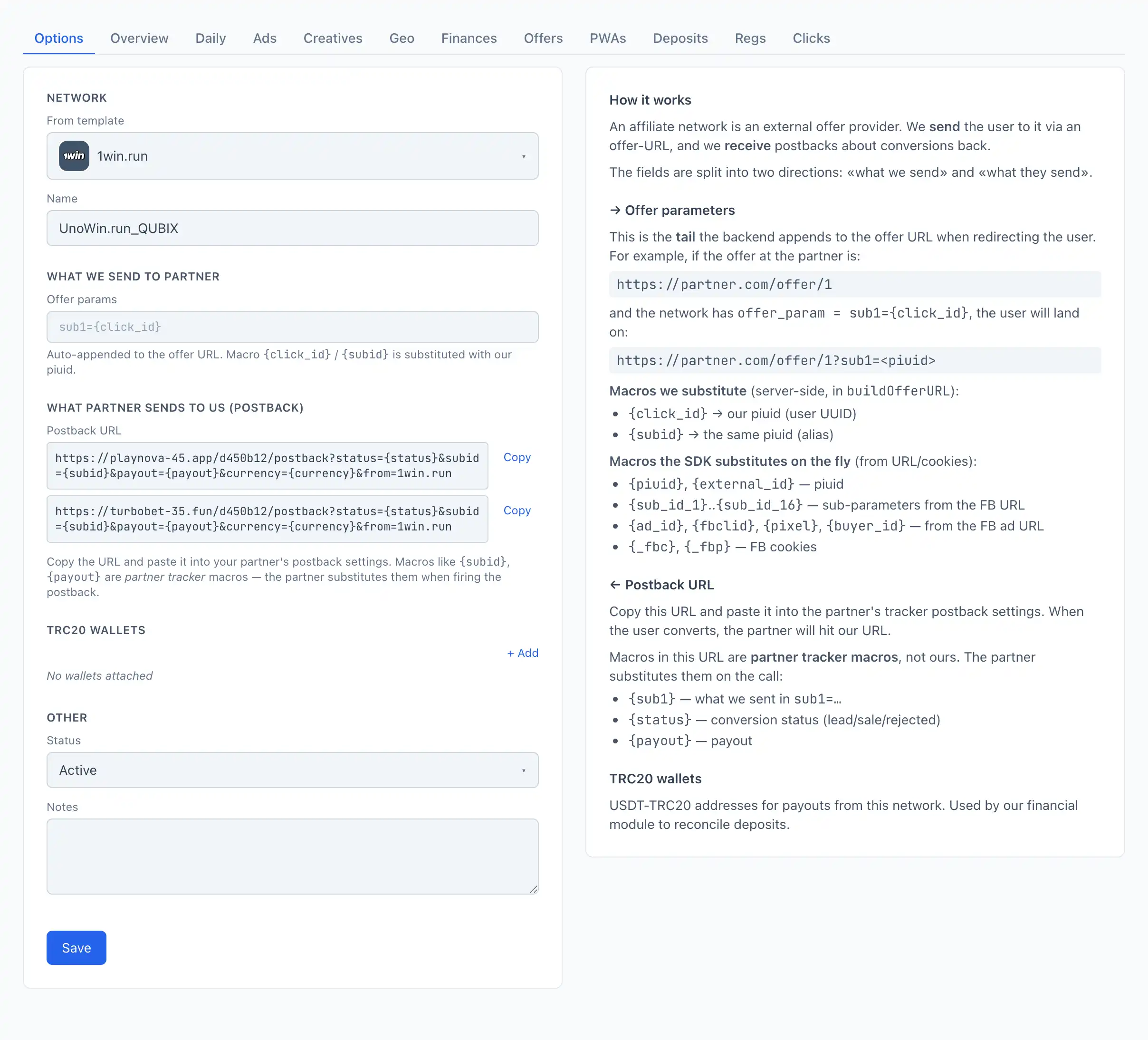
If your network is in the From template list, choose it — Qubix fills in the offer params and the postback reading rules, and all that's left is to copy the postback URL into the network's panel.
2. Create an offer
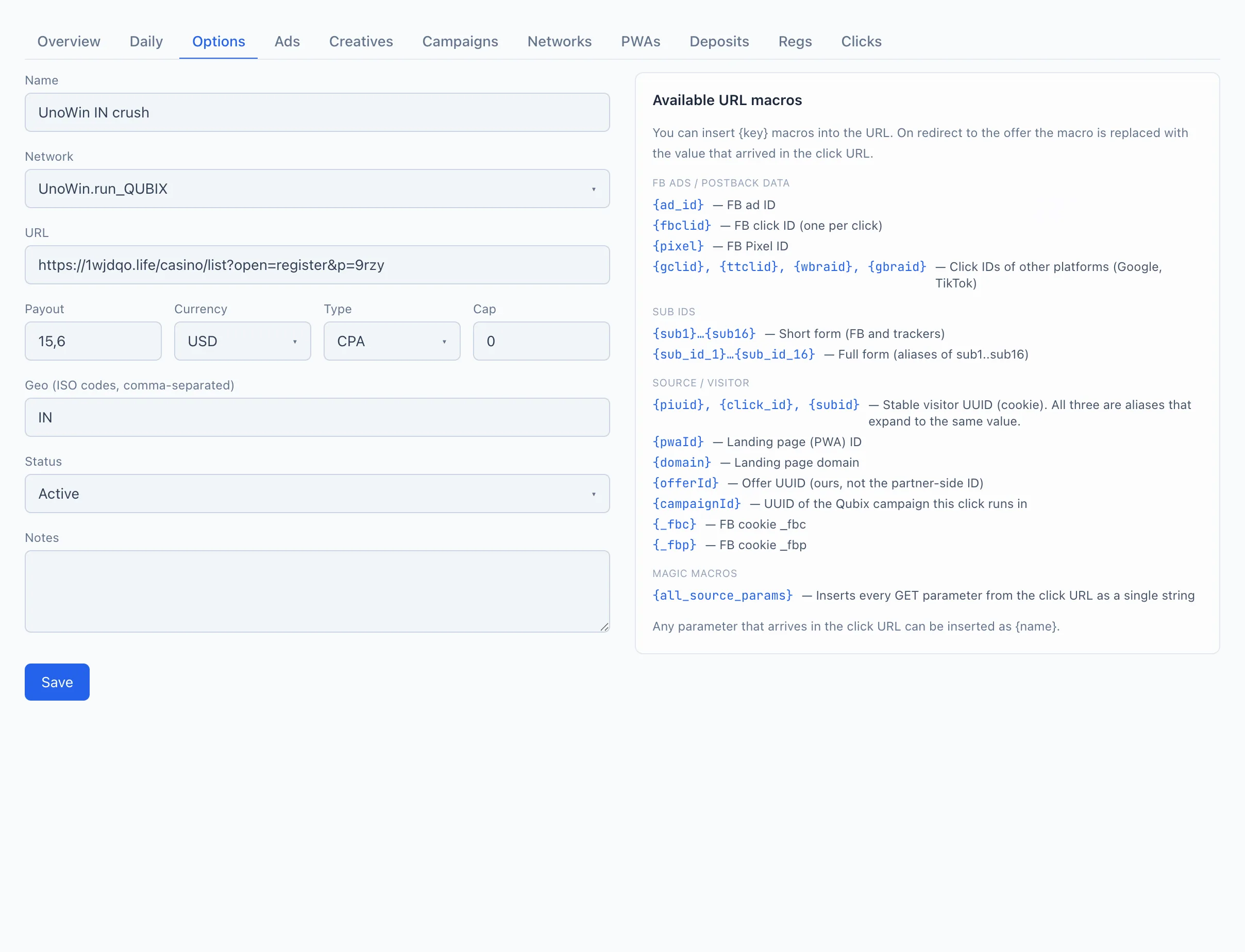
Open the Offers section and click + Add offer. In the offer card pick the Network you just created, paste the URL, set the Payout and the Geo, then click Save. For more — see Creating an offer.
3. Add a traffic source
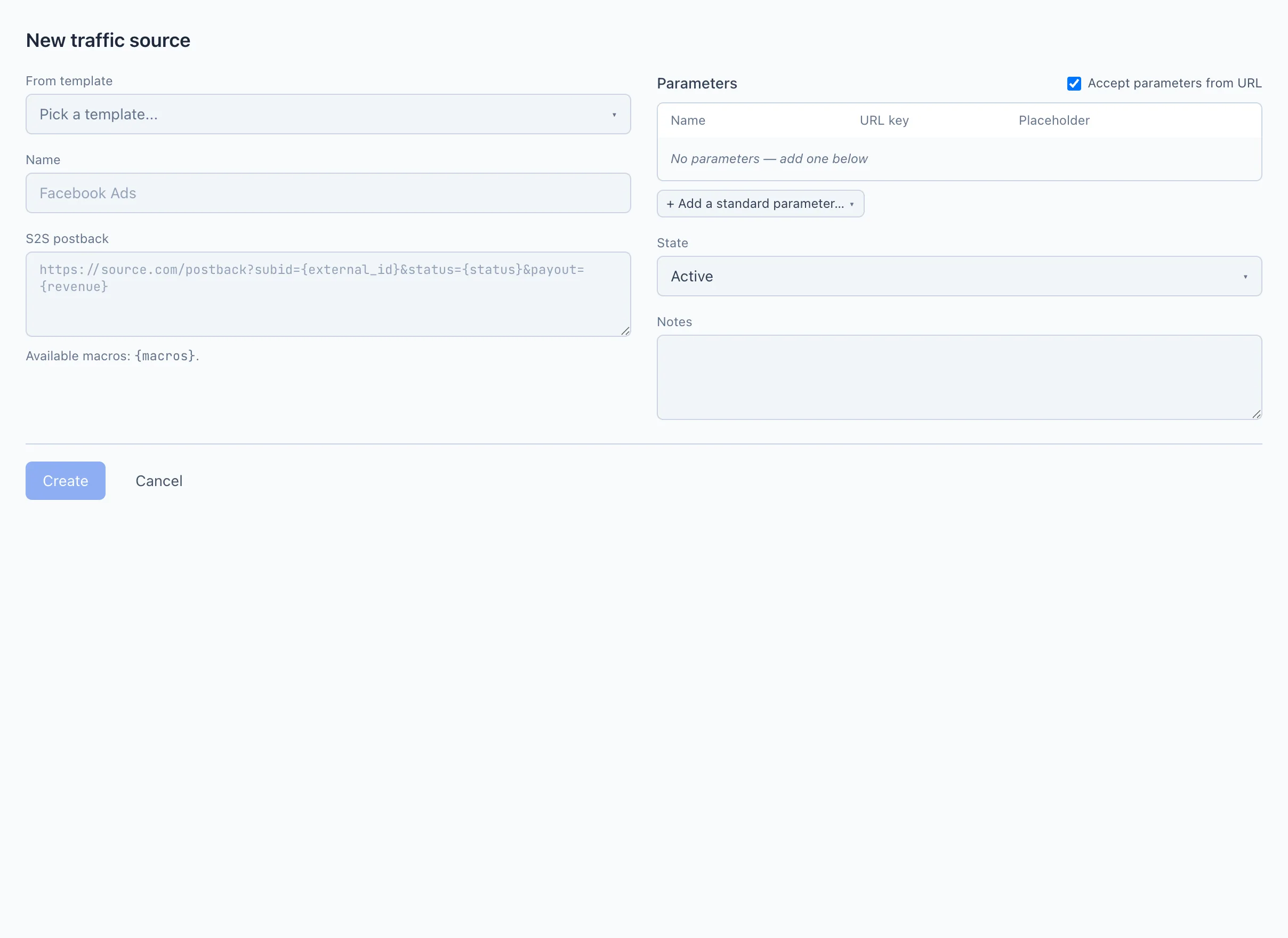
Open Sources and click + Add source. A source describes which parameters to read from the ad link and where to send conversions back. Pick a template (for example, facebook), check the Parameters, and click Create. For more — see Creating a source.
4. Create a campaign and get the ad link
Open the Campaigns section and click + New campaign. On the Settings tab enter the Name, choose the Traffic source, set up the funnel (a target = a PWA or landing with your offer), and add an Entry point — a host from your domains. Qubix then shows the Example URL for an ad block with a ready link and a Copy button. For more — see Creating a campaign and Campaign link and parameters.
🎬 GIF: creating a campaign and copying the ad link
Paste the copied link into your ad. The ad-network macros (like {{ad.id}}) and the pixel are substituted automatically — see Campaign link and parameters.
5. Make conversions visible
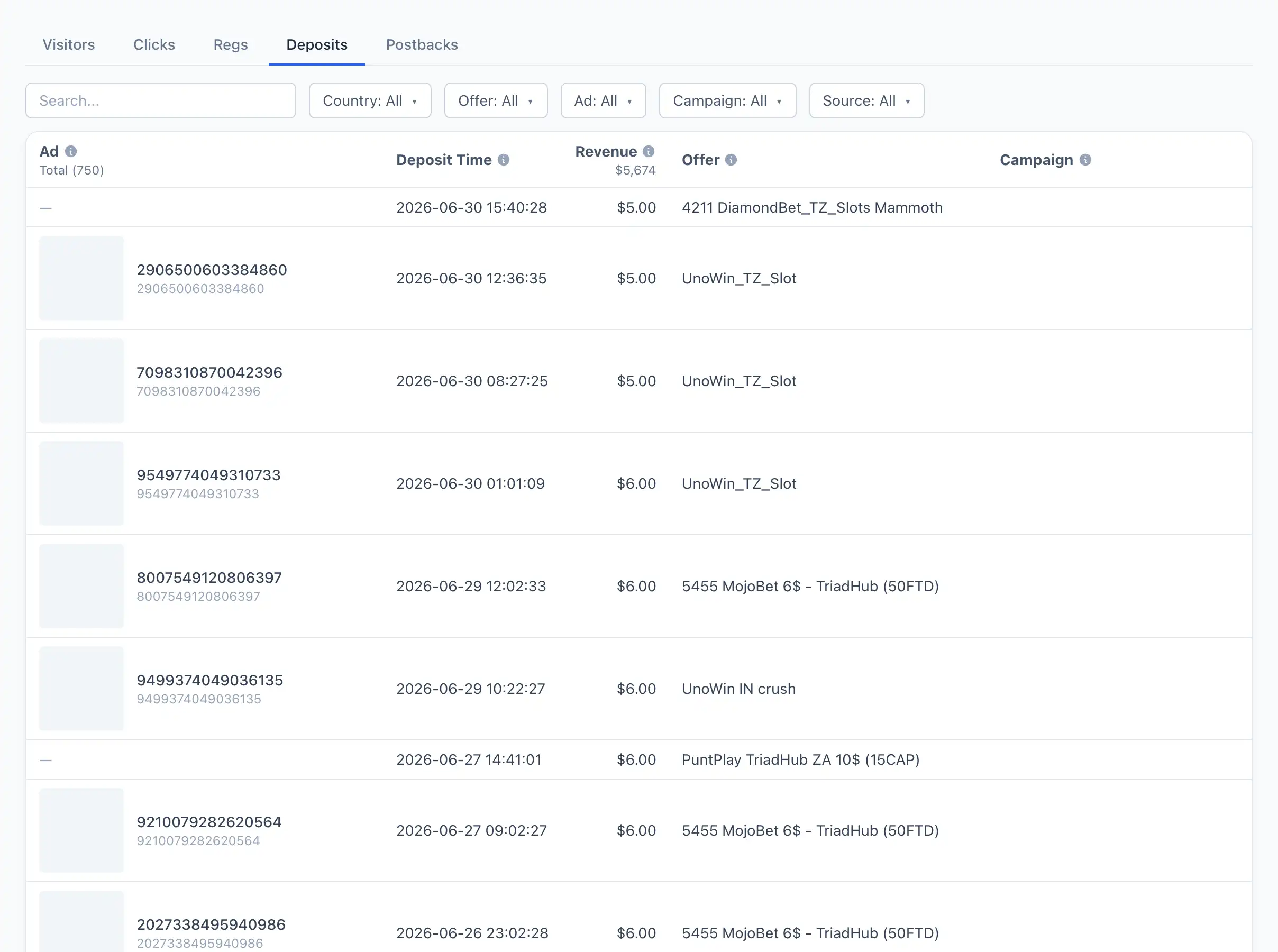
Conversions come back through the postback you pasted into the network's panel in step 1. When a visitor registers or deposits, the network calls that address, and Qubix records the event — you see it in the funnel. For the full picture of how parameters travel both ways — see Parameter passing and postback.
Done
You have a working bundle: an ad link drives traffic to your offer, and conversions return into Qubix. Next: