AI spend
AI spend is an overview of how much the built-in AI is costing: the spend per user and per day, plus a read-only view into anyone's chats. It helps you see who uses the assistant and how much it adds up to.
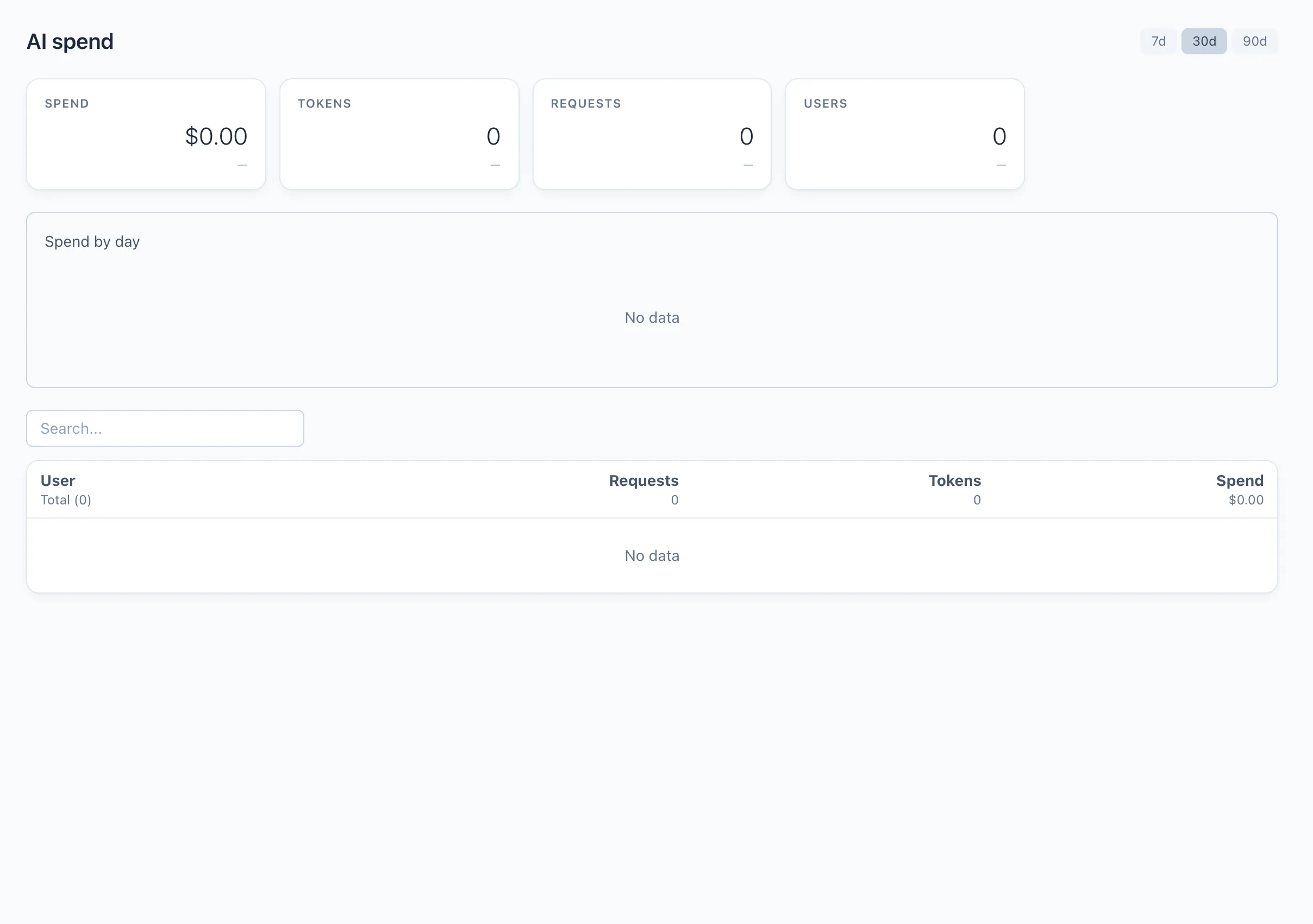
This screen is for administrators and team leads. What you see follows your permissions for the AI section: a team lead sees their own team, an administrator sees everyone.
Period
In the top-right corner you switch the period — 7, 30 or 90 days. Everything on the screen is recalculated for the selected range.
Summary
The KPI cards show the totals for the period:
- Spend — total AI spend.
- Tokens — total tokens processed.
- Requests — number of requests.
- Users — how many people used the AI.
Below the cards, the Spend by day chart breaks the spend down day by day.
By user
The table lists each user with their Requests, Tokens and Spend for the period. Search works by user name.
Clicking a row opens that user's chats: the list of their conversations on the left, and the full transcript on the right. Each assistant reply shows its own cost. This view is read-only — you can read the chats but not change them.
The figures here are the cost of the AI provider you connected (your OpenRouter key, or a Claude subscription). Qubix does not add a markup. See Connections for how the key is set up.