Profile
Profile is your personal page. Today it lets you claim your own campaigns by part of their name, so your ads, spend and results are attributed to you.
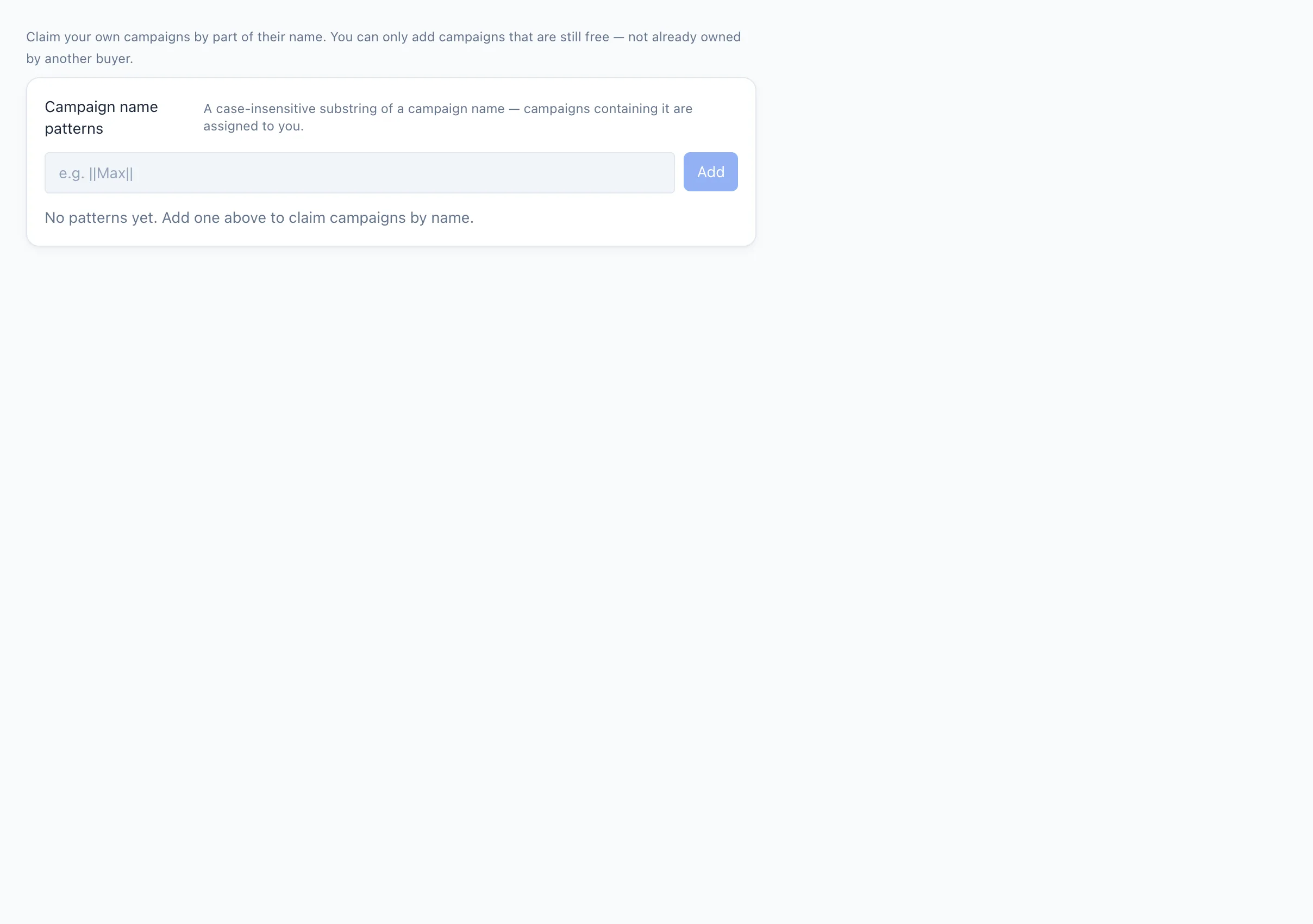
This page is only shown to users who are allowed to manage their own patterns. If you don't see it in the menu, your role doesn't include this setting — ask your team lead or administrator.
Claim campaigns by name
A pattern is a part of a campaign name. Any campaign whose name contains that text (case-insensitive) is assigned to you.
- Open Profile.
- Type a part of your campaign names into the field — for example your nickname.
- As you type, the card shows how many campaigns the pattern will match. If some of them already belong to another buyer, it tells you and the pattern can't be added.
- Press Add.
Each added pattern is shown as a chip with the number of campaigns it currently matches. Remove a pattern with the ✕ on its chip.
You can only claim campaigns that are still free. A pattern that would take campaigns already owned by another buyer is blocked. Removing a pattern can leave the campaigns it owned without an owner.