USDT Tx
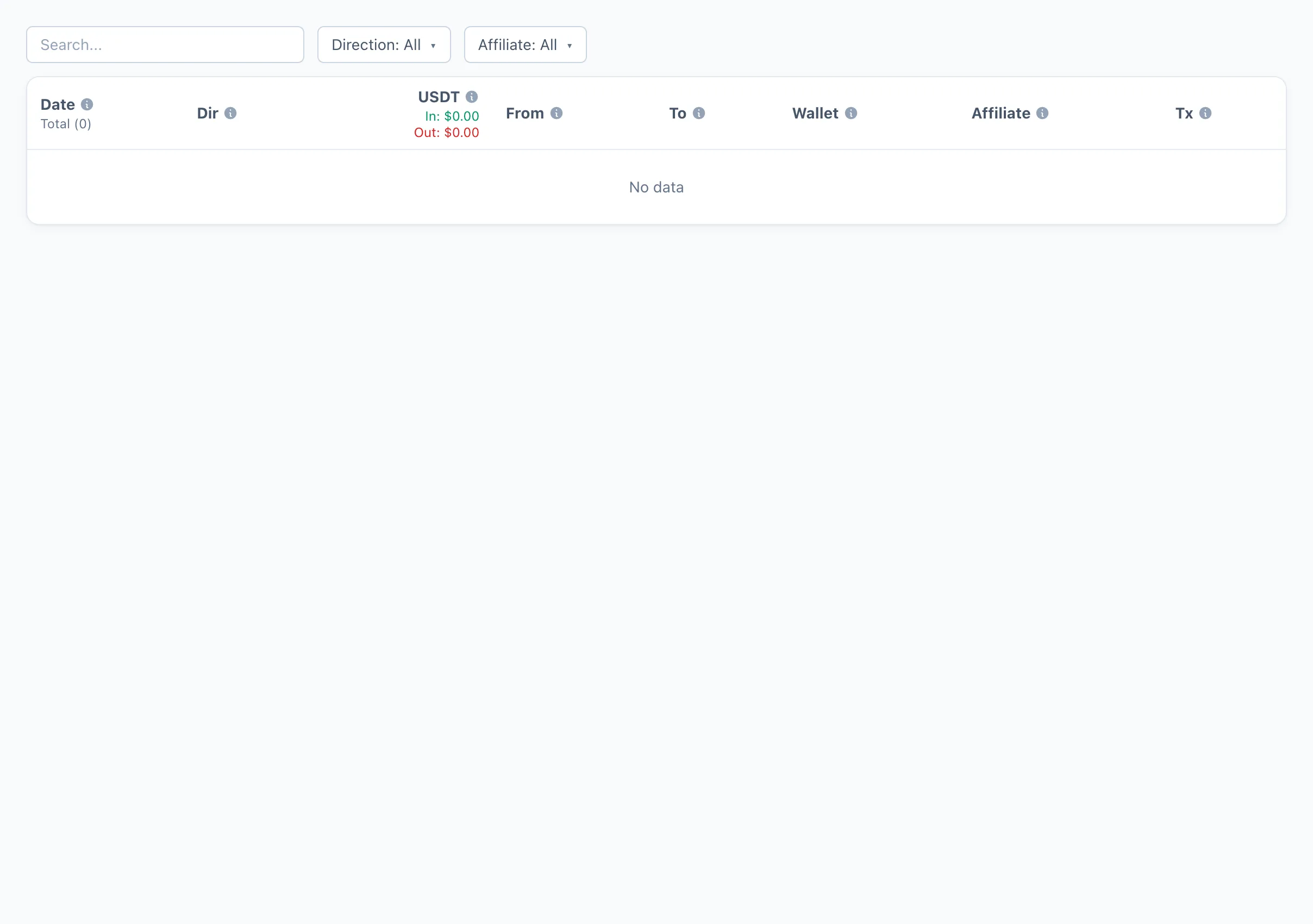
A log of transactions on your USDT wallets (the TRON network, TRC-20). Here you can see which payouts the networks sent to the wallets and which transfers went out from them. Each row is one blockchain transaction for one of your wallets: a transfer between two of your wallets gives two rows — an outgoing one for the sender and an incoming one for the recipient. Identifiers and addresses are links to the Tronscan explorer. The log opens on the USDT Tx tab of the Payouts section.
Qubix collects the transactions itself: it watches the wallets listed for the networks in the TRC20 wallets block — see Connecting a network. The wallets of a paused network are not checked.
- Qubix enters a wallet's history from before the wallet was added to the network into the log without alerts.
- For every transfer after that — incoming and outgoing — a message arrives in the Telegram channel with the Wallet role, and the transfer gets into the log. The channel for the role is assigned in the Connections section; this can be done by anyone who has the Manage service credentials permission.
- If the message cannot be delivered — for example, no channel is assigned to the role — the transfers still get into the log.
Filters and search
- Direction — a filter by transfer type: incoming or outgoing.
- Affiliate — a filter by the network the transaction belongs to.
- The search field searches by the transaction identifier, the sender and recipient addresses, your wallet's address and the network name.
Column breakdown
Date — the date and time of the transaction in your profile's time zone.
Dir — the direction: → IN (incoming, green) or ← OUT (outgoing, red). The hint of the header: Wallet transaction direction: in or out.
USDT — the transfer amount in USDT. The hint of the header: Transaction amount (USDT).
From — the sender address (a link to Tronscan). The hint of the header: The sender wallet address.
To — the recipient address (a link to Tronscan). The hint of the header: The recipient wallet address.
Wallet — your wallet that the transaction concerns. The hint of the header: Our wallet address in this transaction.
Affiliate — the network your wallet is listed under. If the wallet is no longer listed under any network — for example, the network was deleted — its address is shown here. The hint of the header: The affiliate network of this transaction.
Tx — the transaction identifier on the blockchain (a link to the transaction page on Tronscan). The hint of the header: The on-chain transaction hash.
Any address or transaction identifier opens in Tronscan — this is handy for reconciling a payout with the blockchain.